Modern Whiteboard · AI
AI Agents — From Answers to Action
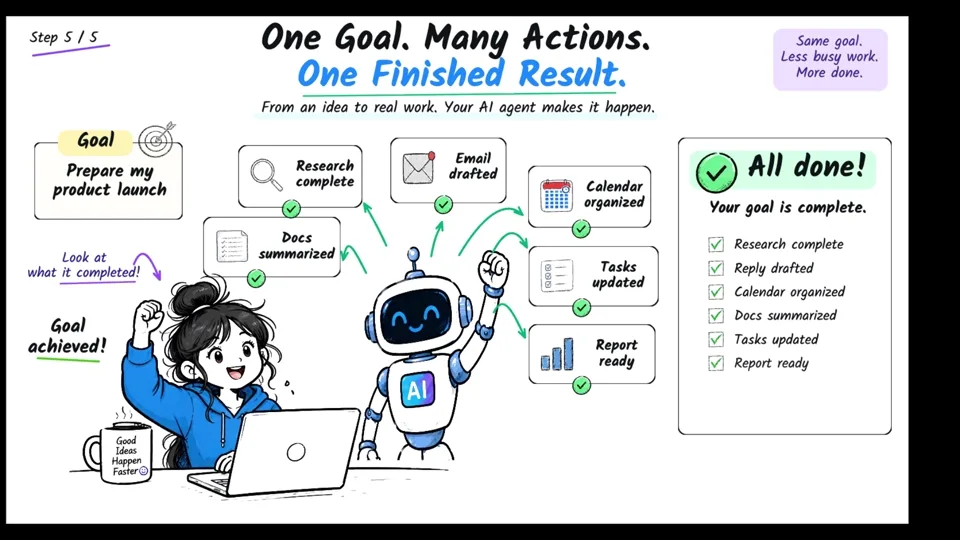
See how AI agents move from answering questions to planning, using tools, taking action, checking results, and completing goals.
2:44 · 5 scenes · 489 objects
Login to Scribe Animator
Record a workflow into editable scenes, organize visuals, camera, and narration with StoryBeats, or let compatible AI agents edit the real Scribe project through WebMCP Site tools—then refine everything on the timeline and export.
Now live on the App Store and Google Play.


REAL PROJECTS. DIFFERENT POSSIBILITIES.
One editor, many visual languages. Watch the finished animation, then open the editable project and see how it was built.
Modern Whiteboard · AI
See how AI agents move from answering questions to planning, using tools, taking action, checking results, and completing goals.
2:44 · 5 scenes · 489 objects
Kraft Workshop · Business
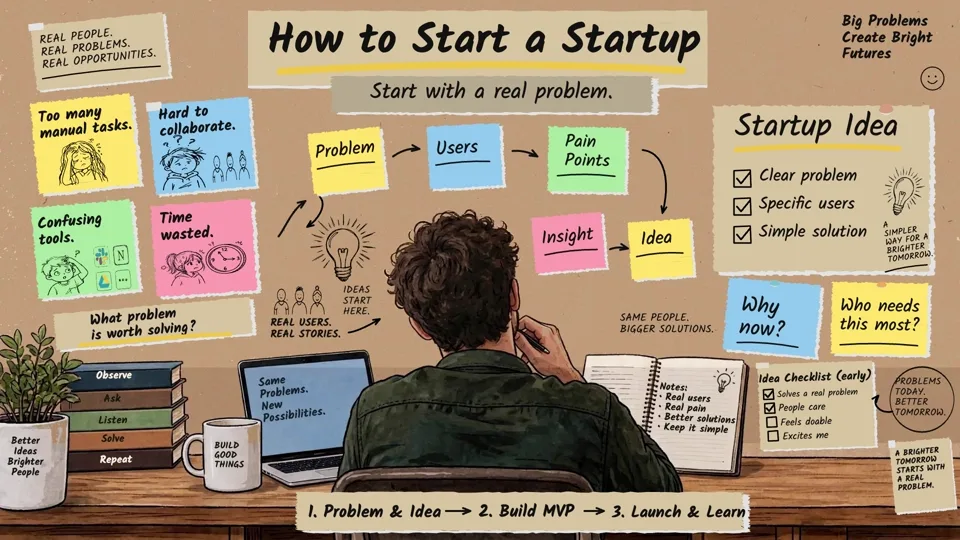
Follow a startup journey from identifying a real problem to building an MVP, learning from users, and improving after launch.
2:50 · 3 scenes · 419 objects
Chalkboard · Education
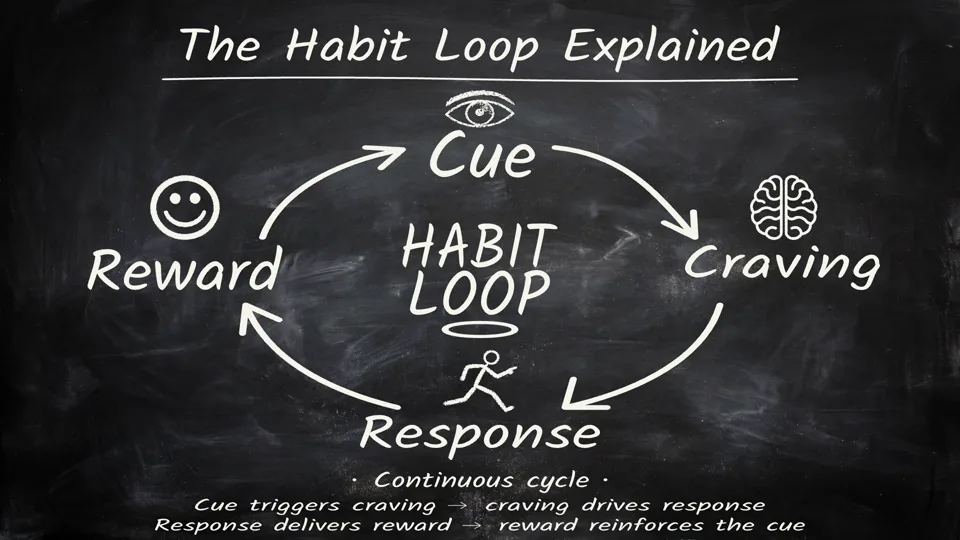
A chalkboard explainer of the habit loop and how small repeated actions can turn into meaningful progress.
2:46 · 3 scenes · 108 objects
Blueprint · Technology
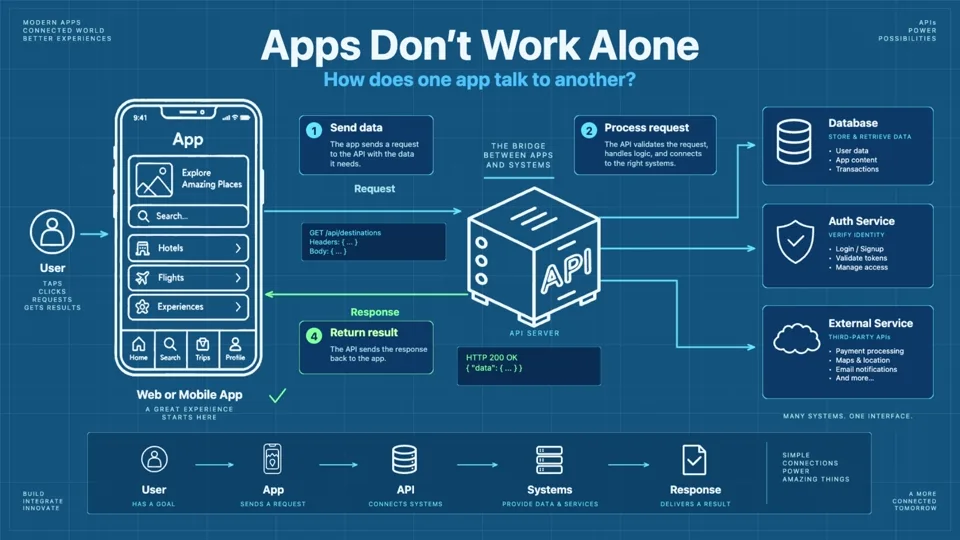
A blueprint-style explainer showing how an app sends requests through APIs to databases, authentication, and external services.
4:38 · 5 scenes · 549 objects
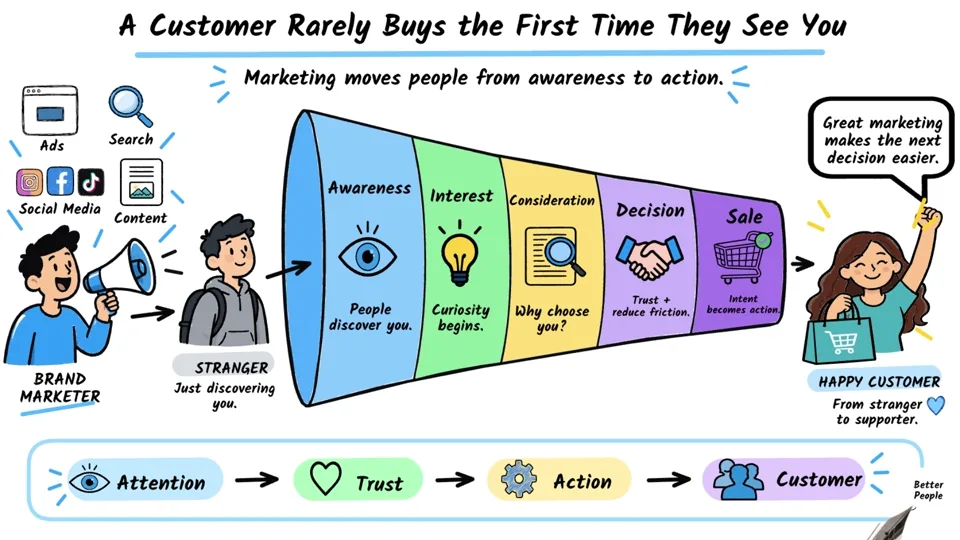
Business Infographic · Marketing
A detailed business infographic showing how customers move from awareness through interest, consideration, decision, and action.
5:11 · 6 scenes · 715 objects
Record a real workflow, turn it into scenes, keep one idea's timing together, then let a compatible AI agent help with repetitive editing work.
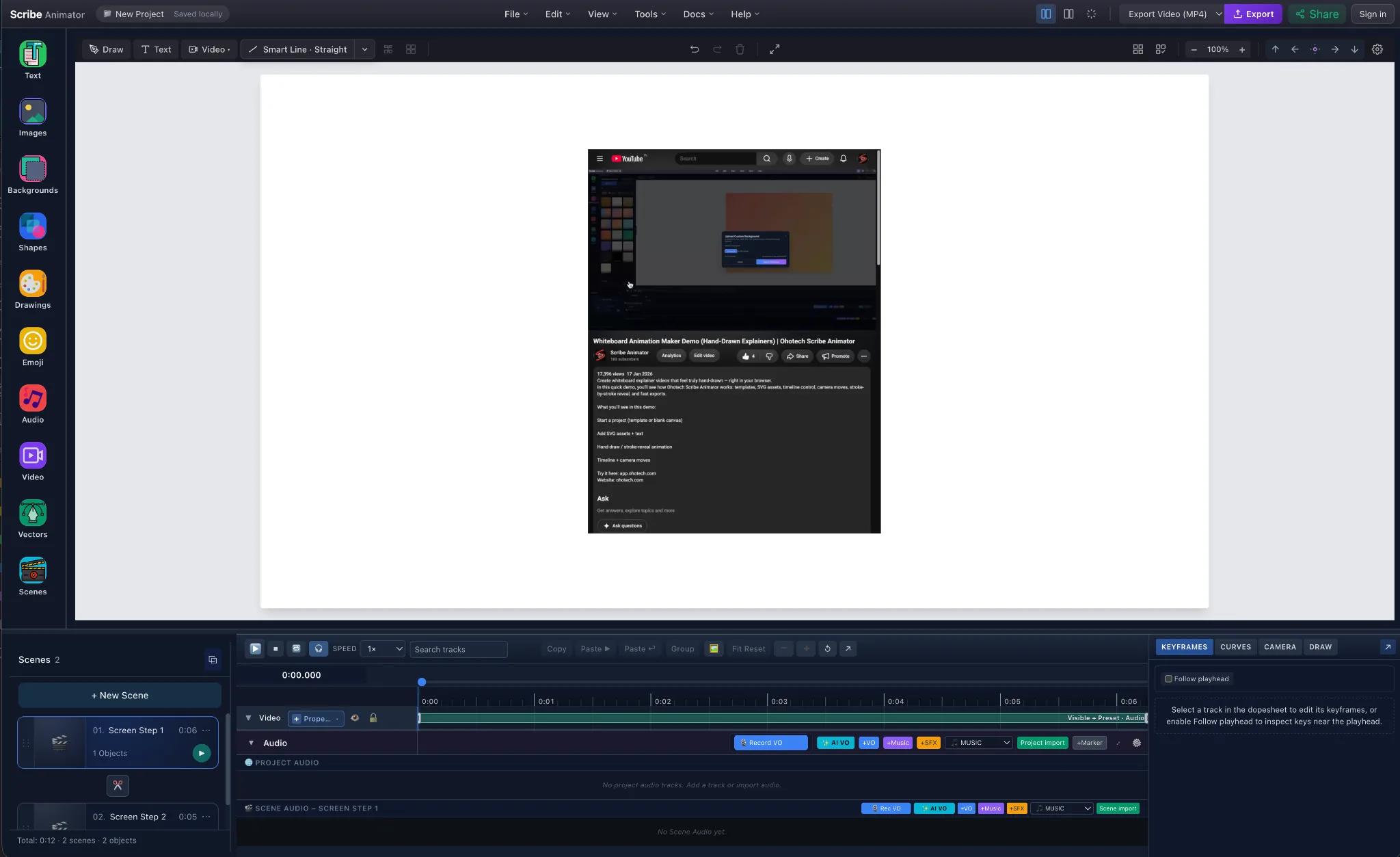
Record a browser tab, window, or screen in purposeful steps. Every accepted step becomes an editable Scribe scene.
Record your screen in editable steps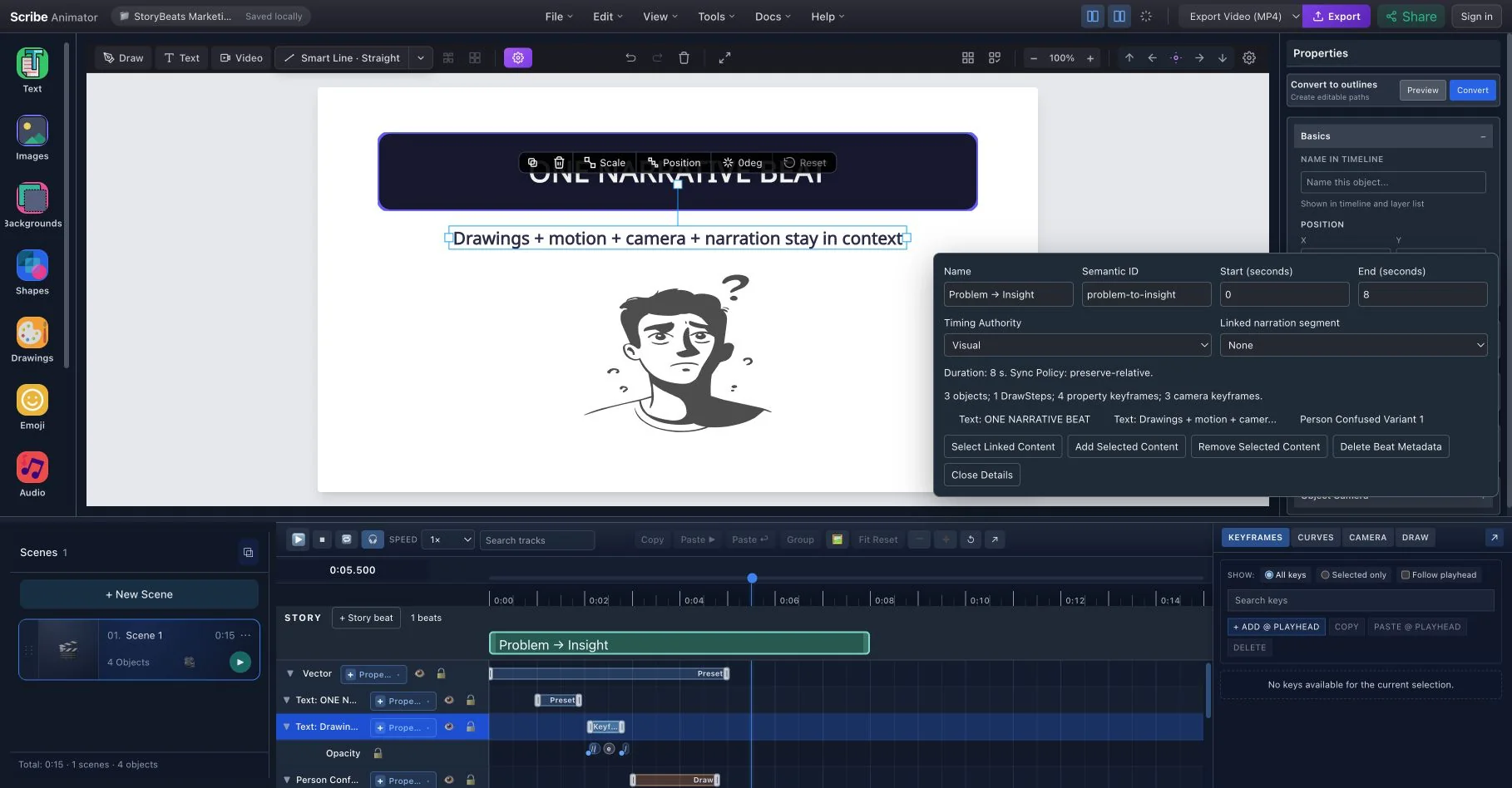
Define one narrative idea above the timeline so its related visuals, animation, camera, and narration stay in context.
Organize explainer timing with StoryBeats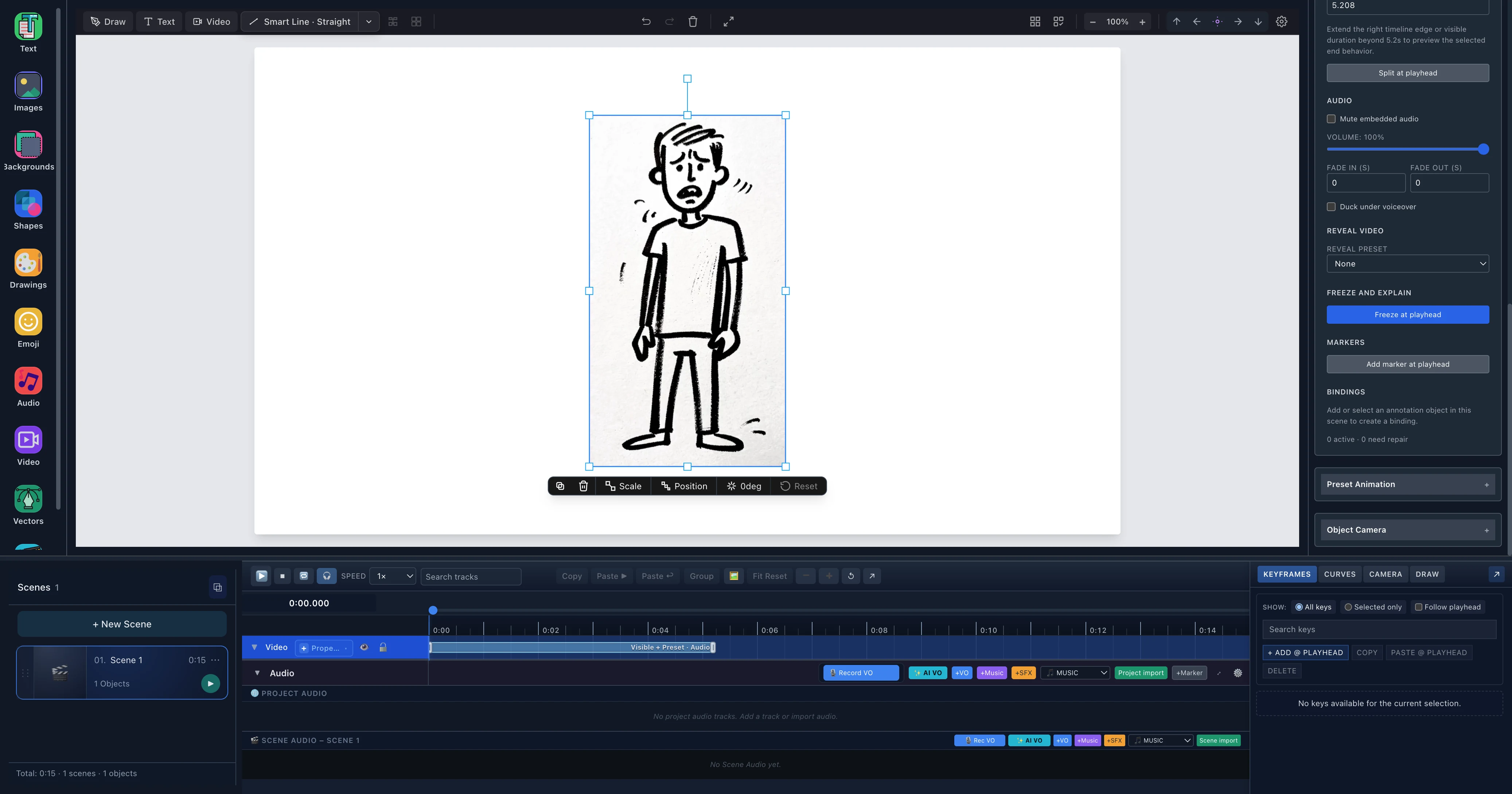
Trim real footage, hold the exact frame with Freeze and Explain, then layer drawings, text, camera moves, and narration.
Explain exact moments with Video on Canvas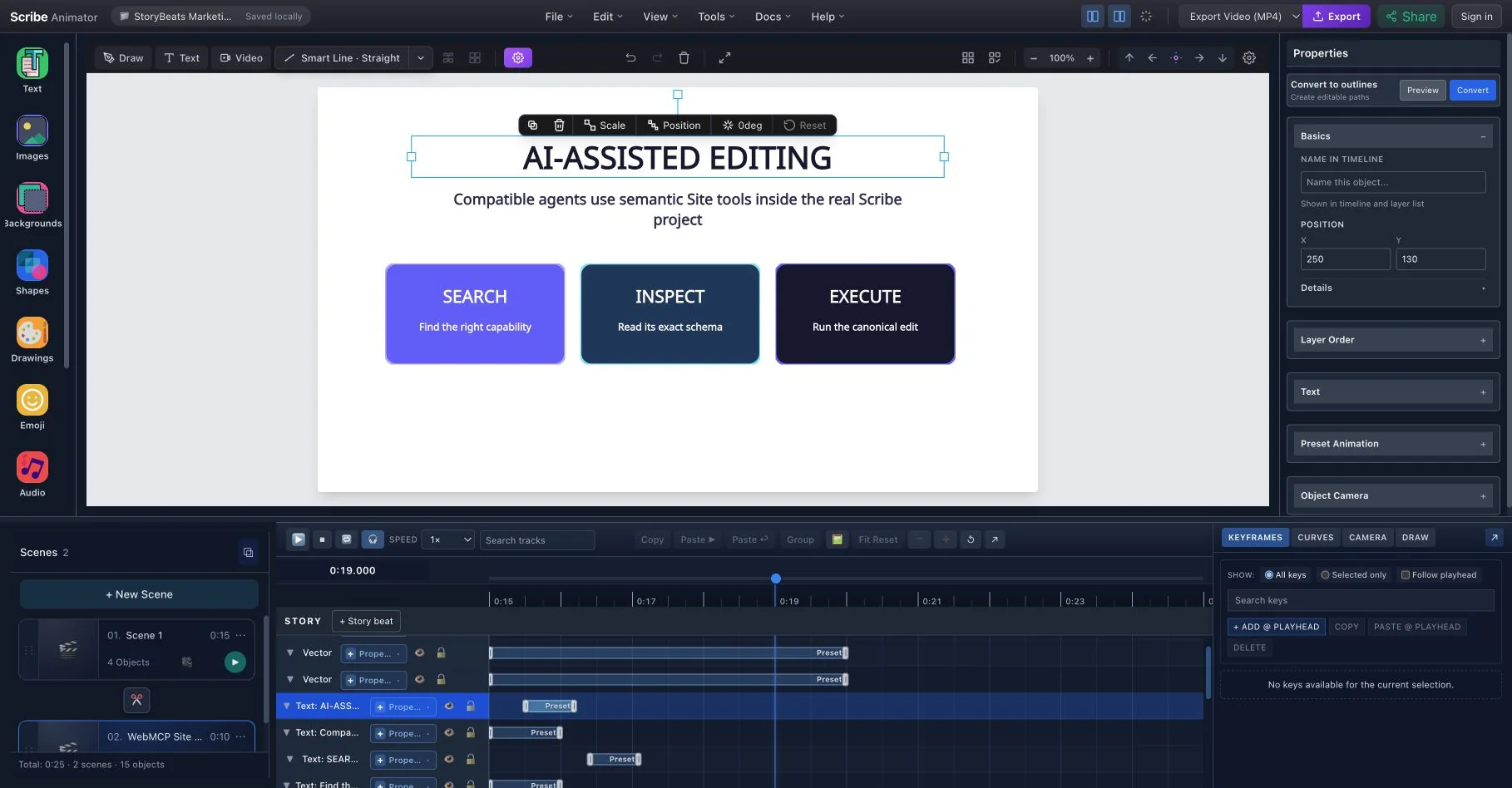
Let a compatible AI agent help with semantic editing inside the visible project while Scribe keeps normal permissions and history.
Use Scribe with AI agents through WebMCPTurn user-owned local video into a first-class explainer object. Place and crop it on the canvas, trim it on the timeline, then layer drawings, arrows, text, animation, and camera moves over the exact moment that matters.
Local media only. Scribe Animator does not download YouTube, Instagram, TikTok, or other social-platform URLs.
Generate Scribe Animator JSON with ChatGPT or Gemini, open a proven layout, or begin from a blank scene.
Import local video or add SVGs, smart arrows, draw steps, camera moves, and local AI voiceover on desktop.
Bind visuals to narration segments, preview timing, export MP4, and share your explainer.
Use ChatGPT or Gemini to generate Scribe Animator scene/project JSON, then validate, import, and keep editing inside the app.
Prompt
Generate JSON
Import
Edit & Export
AI helps generate structured Scribe Animator templates that remain editable. It does not render the final video automatically.
Generate narration locally on desktop, preview it, then add it to a scene, project, or your audio library — no Pro account required.
Generate WAV narration on your desktop. First use downloads the selected voice model, then generation runs locally.
Use fast English voices, natural Pocket voices, or multilingual Supertonic voices for broader language coverage.
Pocket also covers English, Spanish, German, Italian, and Portuguese with natural local voices.
Save to the Audio Library, add to the current scene, add to project audio, or download the WAV.
Create a local custom voice from your own permitted sample, then use that voice to generate narration for scene and project voiceovers.
AI voiceovers may be machine-generated. Use custom voice samples only when you own the voice or have permission, and disclose AI-generated voice where required.
Turn generated voiceover chunks into script segments, then bind objects, draw steps, keyframes, and animations to the narration.
Generated voiceovers can create script-based segments that make narration easier to time visually.
Select an object and bind it to a narration segment so draw reveal, keyframes, or visible range stay aligned.
Fit SVG draw reveal, preset animation, draw steps, keyframes, or mixed timing inside the selected audio segment.
Inspect bound objects, move bindings, or unbind when your scene changes.
Capture a walkthrough, structure narrative timing, explain real footage, collaborate with compatible AI agents, and finish with voiceover, vector drawing, camera, and export tools.
Record a browser tab, window, or screen in meaningful steps, then turn every accepted step into an editable video scene.
Explore Screen Recording Import user-owned local footage, trim it on the timeline, Freeze and Explain key moments, and export with overlays and synchronized audio.
Explore Video on Canvas Keep the objects, Draw Steps, keyframes, camera moves, and narration for one idea together when its timing changes.
Organize timing with StoryBeats Let compatible AI agents inspect and edit the visible project through semantic Site tools while normal permissions and history stay in control.
Use AI-assisted editingGenerate narration on desktop with local voice models, preview takes, then add the WAV to a scene, project, or library.
Set up voiceover and audioImport SVG artwork and animate it with stroke reveal, draw timing, and scene-based motion.
Import SVG and vector artworkBuild process flows, callouts, and explainer diagrams with editable straight, curved, and elbow arrows.
Arrange and connect objectsCoordinate object motion, keyframes, curves, scene timing, pans, zooms, and focus changes from one authoring timeline.
Animate on the timelineStart from a prompt, template, SVG, or blank canvas and turn it into an animated whiteboard story.
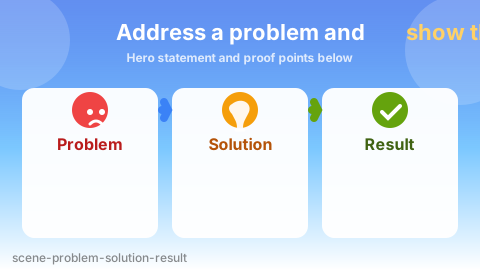
Turn product benefits into a clear problem → solution → result story.
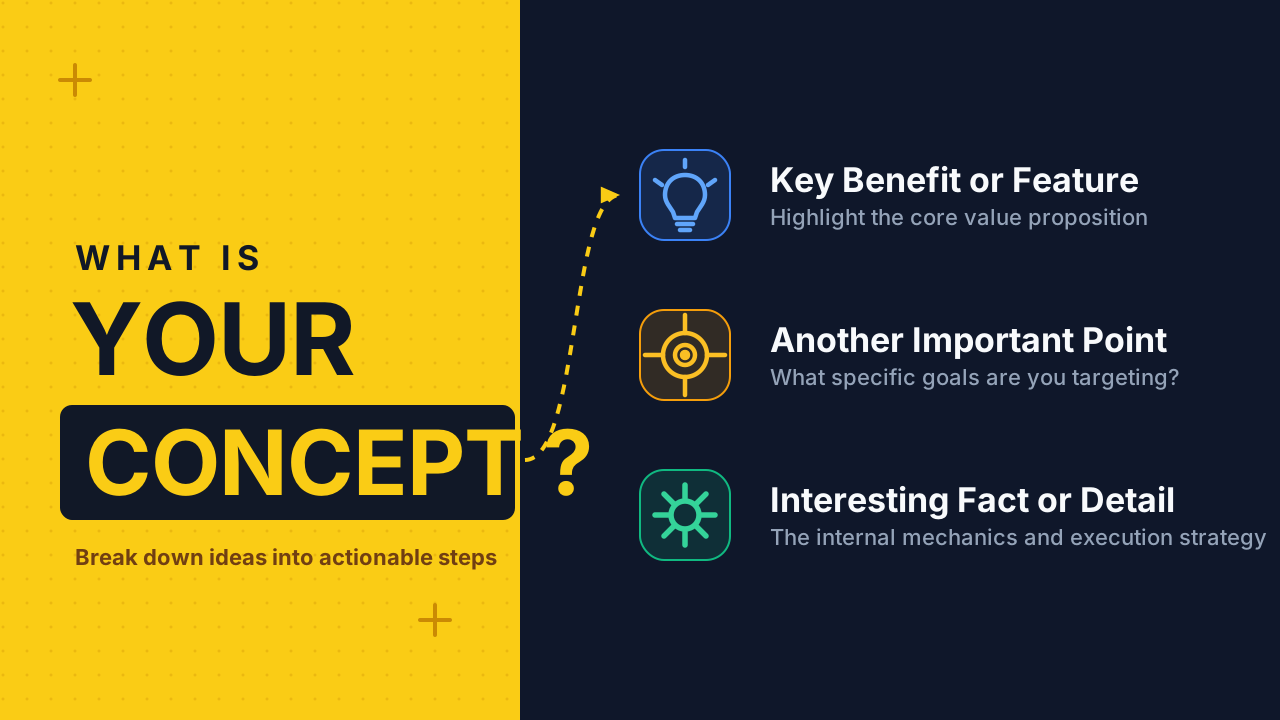
Generate a voiceover, split it into script segments, and sync draw steps to each explanation beat.
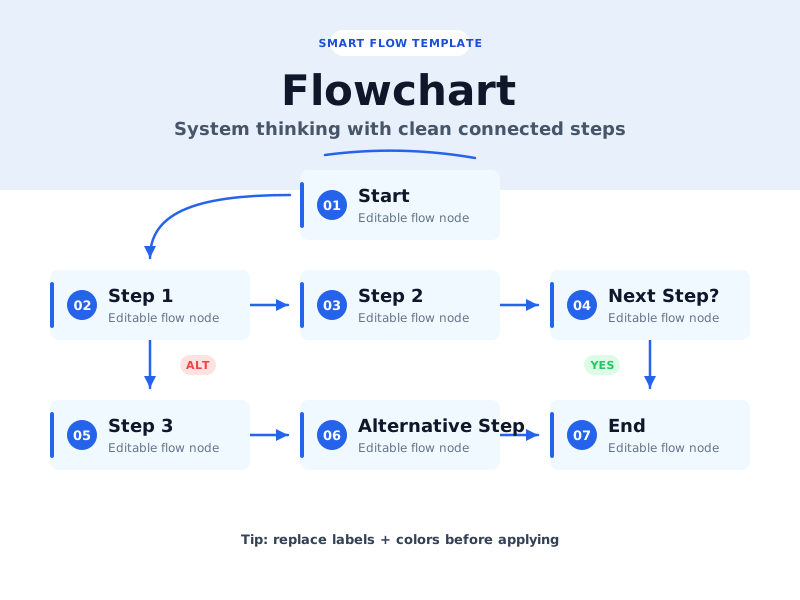
Map workflows with editable smart lines, arrows, and callouts.
Use AI scenes, smart arrows, and generated narration to explain a feature from problem to result.
Build short visual explainers for mobile-first platforms.
All core creation tools are free: AI scene import, templates, assets, smart arrows, SVG draw reveal, audio import, local desktop AI voiceover, script segment sync, and 720p exports with watermark. Pro adds higher publishing quality and more room to grow.
Pro is for higher export quality, no watermark, and more storage/quota — not for unlocking the core editor.
Everything hobbyists, students, and creators need to start making whiteboard explainers.
Loading local price…
Supported local currencies load automatically.
For finished client work, polished publishing, and heavier projects.
Start making hand-drawn animations in minutes on the web, or install the mobile app and keep working anywhere.